










Instant One-Tap Move
Tap a file, tap a pinned folder — moved instantly, and your source folder stays open
 Tools/File Manager
Sort thousands of files fast with pinned folders and one-tap move
File Nest is in closed testing on Google Play. Getting access is instant — just join our testers group with the same Google account you use on the Play Store.
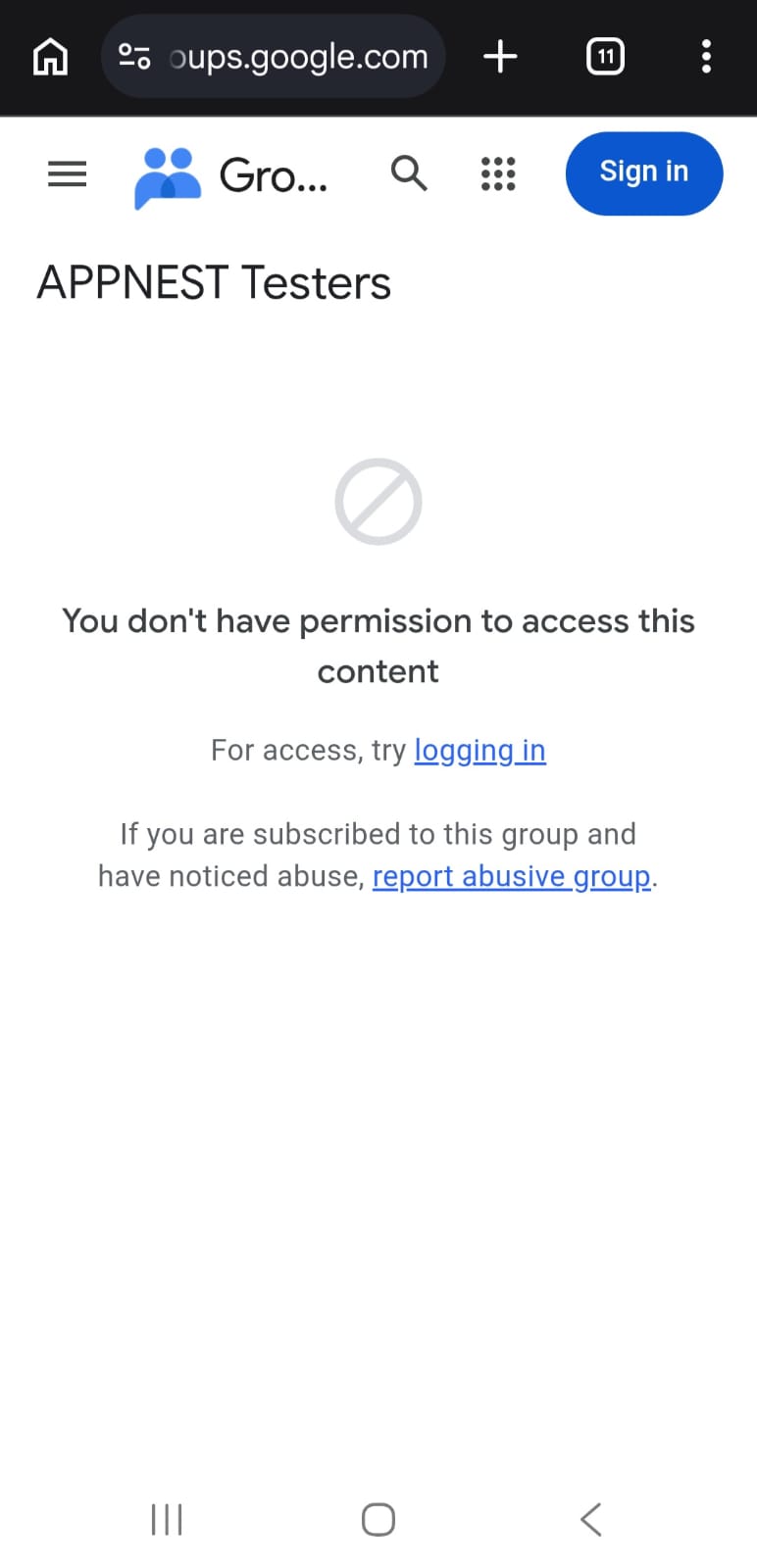
If the group page looks like the screenshot below, you are simply not signed in yet. Tap Sign in first — the Join group option appears straight after.
Important: open both links with the same Google account you are signed into on the Play Store. Google grants closed-testing access only to that account — a different email will not be able to open the app. If the app shows “not found” right after joining, wait an hour and open the link again.
Carefully crafted features that make a real difference in everyday use.
Tap a file, tap a pinned folder — moved instantly, and your source folder stays open
A permanent side rail of your favourite folders, always in view with instant search
Same-drive moves are instant, with copy mode and one-tap undo for bulk sorting
Real photo and video thumbnails, list or grid view, and sort by name, date, size or type
Full offline file manager with internal storage and SD card support — no root required
No account, no cloud — your files and folders never leave your device
File Nest is a file manager built for one thing — organizing a big, messy pile of photos, videos and documents as fast as your fingers can move. Its permanent side panel keeps your favourite folders always in view, so you just tap a file and tap a folder to move it instantly, without ever losing your place. Built natively in Kotlin with a clean dark design, it works fully offline, supports internal storage and SD cards, and needs no root. Private by design: no account, no sign-in, and your files never leave your device. File Nest is currently in closed testing and available to registered testers only.
Closed testing — not public yet. Available to registered testers only.